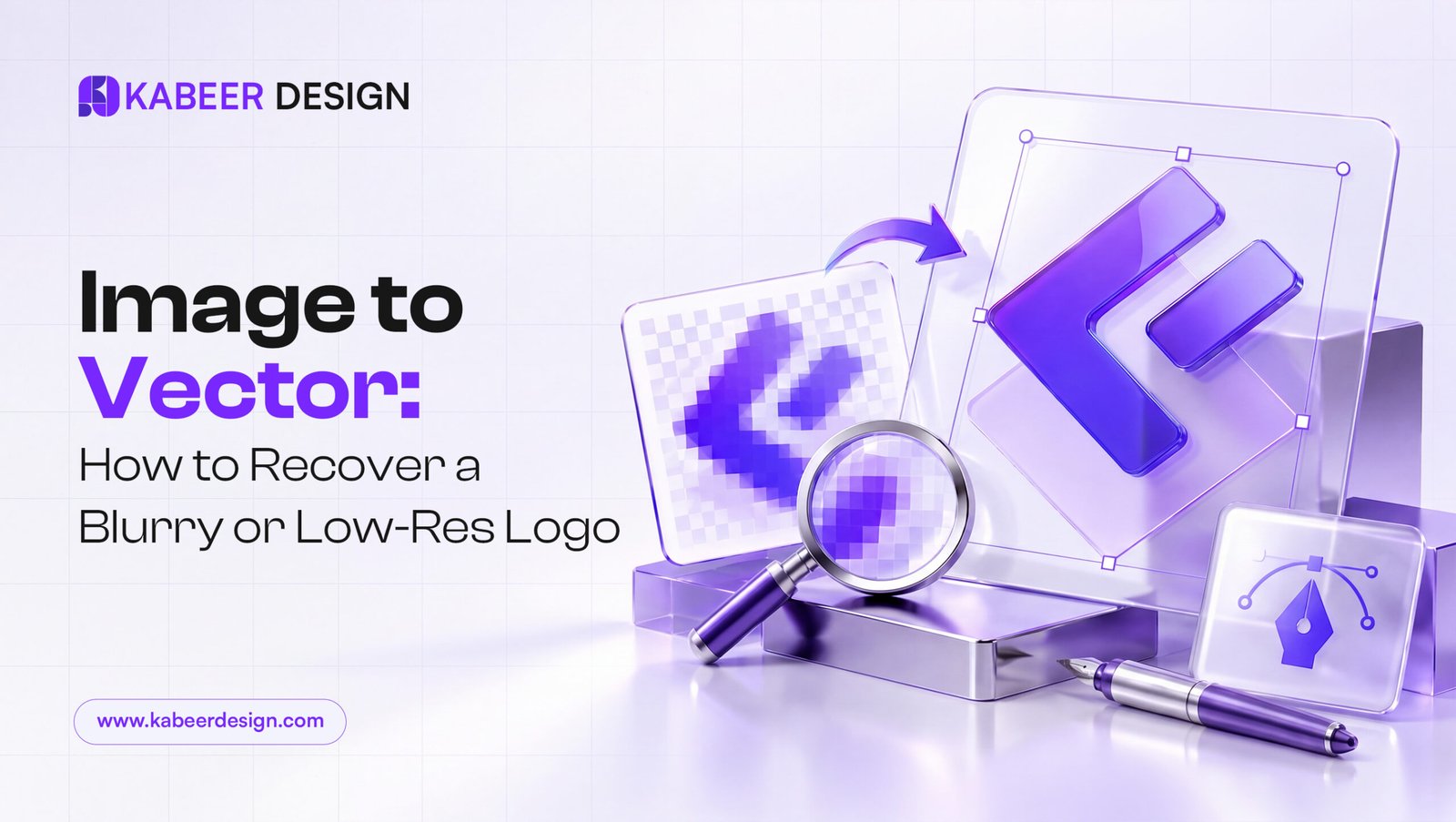
Every few weeks a client sends me the same message: “This is the only logo file we have, and it is a screenshot from a PDF.” No original artwork, no source file, just a blurry raster image that looks fine printed small and falls apart the moment it needs to go on a sign, a shirt, or a billboard. That is exactly what image-to-vector conversion, sometimes called logo vectorization or logo recovery, is for.
What “image to vector” actually means
A raster image (JPG, PNG, screenshot) is a fixed grid of pixels. Stretch it past its native size and it turns soft, blocky or pixelated. A vector file (AI, EPS, SVG) is built from mathematical paths instead of pixels, so it scales from a favicon to a building wrap without losing a single edge. Vectorizing a logo means redrawing every shape, letterform and curve as clean vector paths that visually match the original, not just running an auto-trace filter and hoping for the best.
Why auto-trace tools usually are not enough
Illustrator’s Image Trace and free online converters are genuinely useful for simple, high-contrast shapes. They struggle with anything realistic: gradients turn into banding, thin strokes get lumpy, and custom lettering loses the exact curves that make a wordmark recognizable. An auto-traced logo often looks “close enough” until you place it next to the real thing, and clients notice the difference immediately even if they cannot articulate why.
How a proper manual redraw works
- Reference at maximum size. I zoom the source image in far past 100 percent to see exactly where curves bend and where strokes taper.
- Rebuild with the pen tool, not auto-trace. Every anchor point is placed deliberately, so curves stay smooth instead of jagged.
- Match proportions exactly. Letter spacing, stroke weight and icon-to-text ratio all get checked against the original at multiple sizes.
- Deliver every format you will need. AI and EPS for print, SVG for web, and PNG exports at a few common sizes so you are not stuck re-exporting later.
When to DIY and when to hire it out
If your logo is a simple geometric mark with flat colors, a careful pass with Image Trace and some manual cleanup can get you 90 percent of the way there in an afternoon. If it involves custom typography, fine detail, gradients, or you genuinely cannot tell if the redraw matches, that is exactly the kind of job worth handing to someone who does it daily. A rushed, slightly-off vector recreation is worse than no vector at all, because it quietly drifts your brand every time someone uses it.
What good vectorization actually saves you
Once your logo exists as a proper vector, every future request gets easier: a printer asks for EPS, done. A sign shop needs a huge outdoor version, done. A partner wants it on a co-branded page, done. It is a one-time fix that removes a recurring headache from every project that touches your brand afterward.
Need this done for your brand?
Logos, brand identity, motion and video for startups and brands worldwide. Clear prices, replies within 24 hours.
See services & prices →